
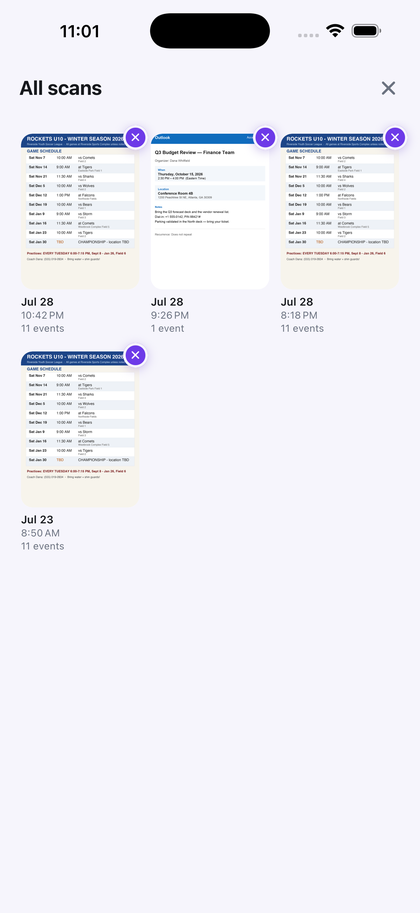
One schedule. Eleven reviewed events saved.
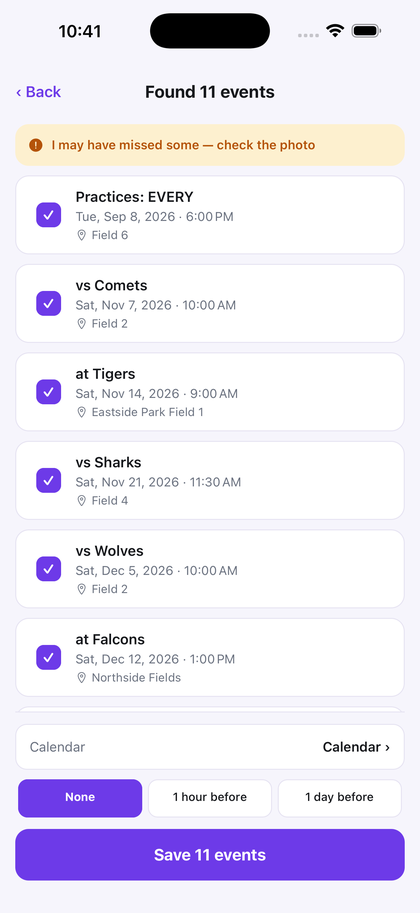
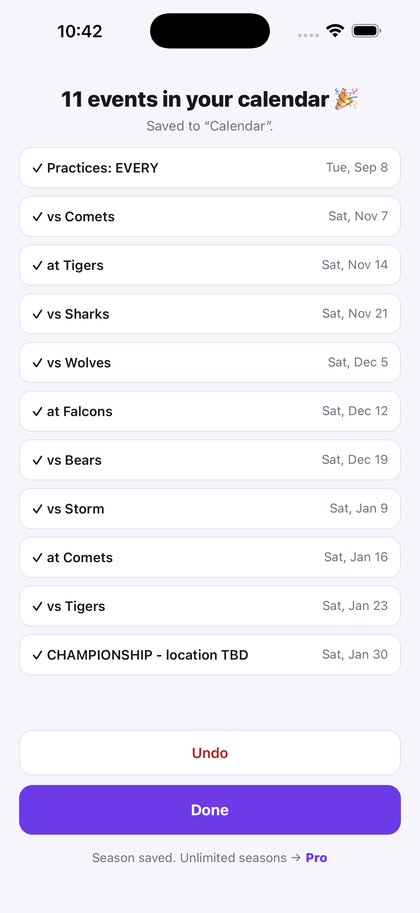
This demonstration starts with a synthetic schedule. Genuine app screens show 11 candidate events for review and the completed 11-event save. AI can miss details, so check each event before saving.
Try 3 scans free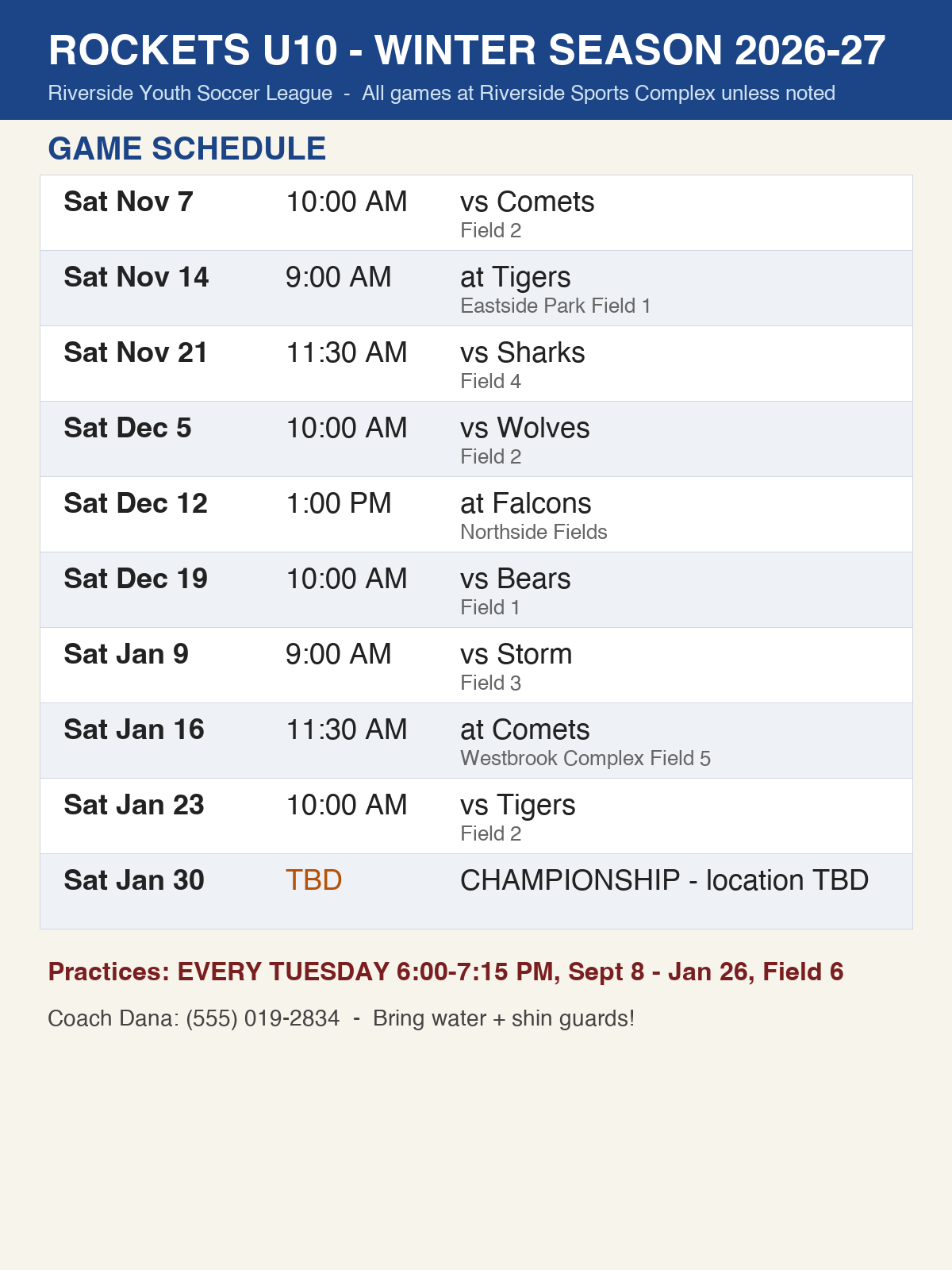
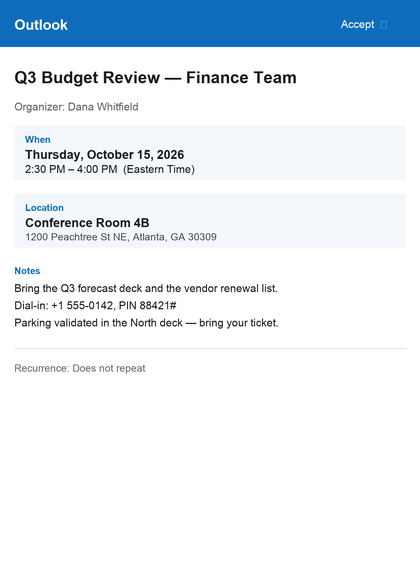
Stuck with a work calendar you can't sync?
Your company locks down Outlook. It won't sync to your iPhone, and the only warning you get is one quiet ding on your laptop — so you look up ten minutes into a conference call you've already missed.
Screenshot the invite. Run it through Snap to Calendar. Snap proposes the date, time, location, and notes it recognizes for review. Correct or remove anything before saving, then choose the personal calendar and alert you want.
Snap does not connect to your company account. Company policies differ: if your employer restricts where meeting details may be copied, follow its data-handling rules.
How it works
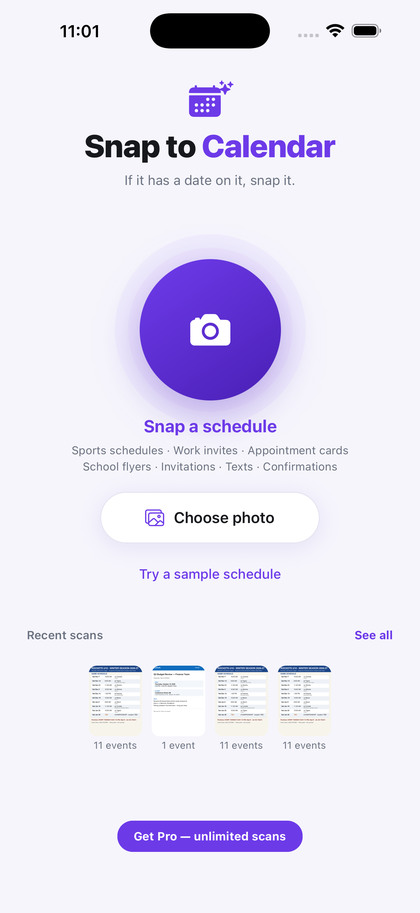
Three steps. No account, no sign-up, nothing to configure.
A whole season in one photo
A multi-row schedule should not require a separate round of typing for each line. Point Snap at a clear printed season schedule, review the dated rows it finds together, and save the approved set in one batch.
- Work invites
- Sports schedules
- School flyers
- Appointment cards
- Invitations
- Text messages
- Flight & game confirmations
- Handwritten notes
Private by design
No account. No sign-up. The selected image is resized and re-encoded on your iPhone, then sent over HTTPS for AI processing. Acorn Labs does not deliberately store it in its application database or file storage. Processing providers may retain inputs under their commercial terms; see Privacy. Snap adds only events you approve and does not read or change events it did not create. After a successful save, Snap attempts to create private local scan history; when a local copy is available, it remains on your device until you delete the scan or the app.
Questions
Can I add a work event to my personal iPhone Calendar without connecting my company account?
If your employer permits it, choose a clear screenshot in Snap, review and correct the candidate details, and save only the event you approve. Snap does not connect to your company account. Follow your employer's data-handling rules.
Does it really read a whole sports season at once?
Yes. Photograph a clear printed season schedule and Snap puts the candidate games and practices it finds into one review, including repeating entries, instead of making you add them one at a time.
Do I need an account?
No. There is no account, no sign-up and nothing to configure. Open it and go.
What if it reads something wrong?
You see each candidate event before anything is saved, and you can edit any of it. If the app isn't confident it read the whole page, it says so on screen. After saving there's a one-tap Undo.
What does it cost?
Your first three successful scans are free, whenever you use them. After that, Pro unlocks unlimited scans — $4.99 a month or $29.99 a year.
What people scan
The same scan, put to work on the paperwork you actually get.